


Antivirus Expert: Junk Cleaner
3.732.00 Reviews
App Specs
- Version
- 1.7.1.0
- Updated On
- License
- Free
- Downloads
- 1,000,000+
- Developer
- Synastry Limited
- Categories
- Tools
- Platform
- Android
Screenshots
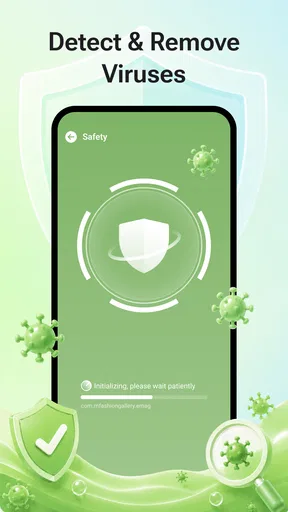
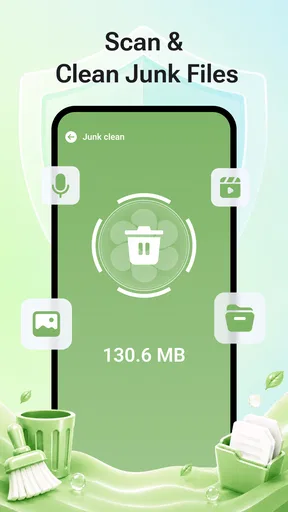
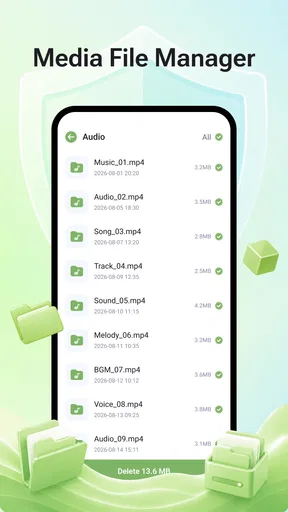
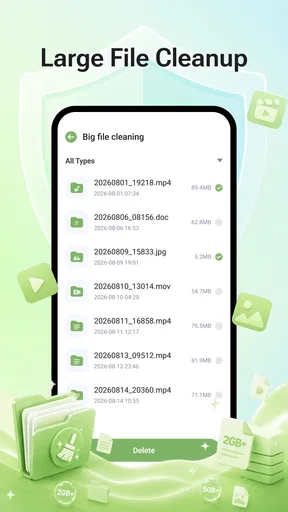
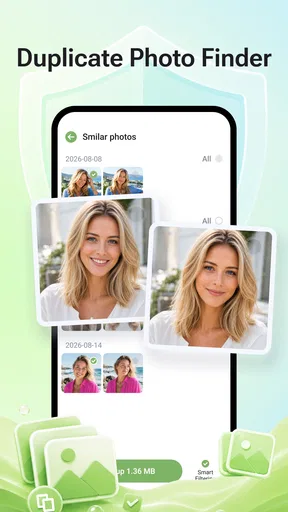
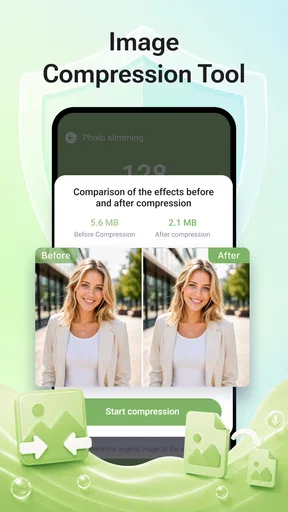
 Analysis by AppCompare
I’d consider Antivirus Expert: Junk Cleaner when a phone shared around the household is starting to feel cluttered and its owner wants a straightforward place to check cleaning and antivirus tools. In my view, the important question is not whether one utility can make every device problem disappear. It is whether the person using it understands what it does, makes deliberate choices, and keeps expectations realistic. That matters even more on a shared phone, where one person’s cleanup decision can affect everyone else’s files and routines.
When one utility may suit a busy household
The app’s combined focus is most useful when the device owner wants to begin with a single utility rather than compare several tools before addressing a concern. I can see the appeal for someone who does not enjoy phone maintenance and wants a convenient starting point for looking at cleaning and antivirus options. That convenience is not the same as a guarantee that every issue has one solution, though. If the problem is a particular missing file or a phone that has become slow, identifying the cause first is still the better move.
I’d also ask whether the phone is genuinely shared or simply borrowed now and then. If several people regularly save documents or media on it, the owner should be especially careful about cleanup decisions. If another person only uses the phone briefly, there may be little reason for them to open a maintenance utility at all. Keeping responsibility with the owner avoids turning a shared device into a situation where everyone assumes somebody else has checked what a prompt means.
For a household that already knows exactly which task it needs help with, a narrower option may be easier to judge. The phone’s own storage controls are a sensible place to start when the only concern is space; a security-focused alternative may be a better match when protection is the sole priority. I’d choose a combined utility when the convenience of having both kinds of tools together matters, not simply because a phone has several unrelated problems.
Using one phone without stepping on each other’s toes
A common household scenario is a phone passed between a parent, a partner, or an older child: someone uses it for messages, another checks a document, and later the owner notices storage feels tight. A tool app such as this can be a convenient stop for reviewing phone-cleaning and antivirus options, but I would keep the actual decision with the person responsible for the device. Shared access does not mean shared understanding of what can safely be removed.
Before using a cleaner, I’d ask who owns the phone, which files are important, and whether anyone has saved something locally rather than in a cloud account. That short conversation is more useful than tapping every cleanup suggestion quickly. On a family device, an overlooked download might be a school form or a travel ticket, not disposable clutter. The practical benefit is a more considered maintenance routine, not a guarantee that every suggested action is harmless.
The app is listed as free, which makes it easy to try without a purchase decision hanging over the household. Still, “free” is not a reason to skip reading prompts or reviewing a proposed action. I would treat any cleaner as an assistant: inspect what it wants to change, then decide whether the action fits the person who uses that phone.
Worth Reading Before You Choose

EA SPORTS FC Mobile 26 Is a Bigger Football Game, but It Takes Time

Flipboard Shows What News Apps Must Do Beyond the Feed

Switching to Android Auto Means Rethinking Your Driving Routine

Google Calendar Makes a Crowded Week Easier to Manage

Ludo King Makes the Most of the Minutes Between Plans

Baby Panda World Brings Quick Play to Modern Phones, but Its Game Library Feels Busy
Set boundaries before anyone taps through
Antivirus Expert: Junk Cleaner is a tools app from Synastry Limited. Its focus brings phone cleaning and antivirus into the same general utility, which may appeal to someone who prefers a single place to begin rather than searching separately for a cleaner and a security app. My main setup advice is simple: let the device owner handle the first run and explain the purpose before handing the phone to someone else.
I would not assume that a shared device automatically gives every household member a separate space or a separate account boundary. Instead, use the phone’s own user and privacy arrangements where available, and avoid treating the app as a substitute for them. If another person borrows the phone, they should not be encouraged to make system-maintenance choices just because a large button looks convenient.
A useful workflow is to review the app’s screens together, identify which parts are relevant to the owner, and stop before an unfamiliar action. If something appears to remove or alter content, pause and check the item itself rather than relying only on a broad label. This habit is especially worthwhile when several people save files, photos, or downloads on the same device. It keeps cleanup from becoming a household blame game after something important goes missing.
Coordinate maintenance, not just access
On a shared phone, coordination can be as basic as agreeing who is responsible for routine checks. I’d choose one adult or primary user to review maintenance prompts, then tell other users not to run unfamiliar actions independently. This is not a special family feature; it is a sensible household rule. It reduces duplicate effort and makes it clearer who should investigate if the phone behaves differently afterward.
There is also a useful trade-off between convenience and control. A one-stop utility can reduce the effort of finding tools, but a dedicated security app or the phone’s built-in storage controls may offer a clearer fit for someone who wants only one function. If a household already has a security routine it trusts, adding another app simply because it bundles several purposes may create confusion rather than improve it.
For a realistic example, imagine a parent preparing a phone for a long day out after noticing it has accumulated downloads. I would first ask the other users whether they have saved anything needed offline, then let the owner inspect the cleaner’s suggestions. Afterward, I’d check that the phone still has the documents and media the family expects. That small before-and-after check is a more dependable practice than assuming a cleanup is successful simply because the device feels less cluttered.
Age suitability and trust need adult judgment
The content rating is Everyone, and the app has an average rating of 3.7 from around 1.4K ratings, alongside 32 written reviews. Those figures offer a little context about how it is received, but they do not tell me whether a particular household will find it clear or useful. I’d have an adult introduce it to a younger user rather than treating the age label as a recommendation to let children manage device maintenance alone.
That distinction matters because “Everyone” describes the content rating, not a promise that every action is suitable for an unsupervised child. A younger family member may understand how to open an app without understanding the consequences of removing data or changing a setting. For a child’s device, I would keep the primary account and maintenance decisions with the parent, and make sure the child knows to ask before acting on a prompt they do not understand.
Trust also means keeping the app’s role in perspective. Antivirus tools can be one part of a careful phone routine, but they do not replace cautious browsing, software updates, strong account security, or a backup of valuable files. For a family that mainly wants to avoid losing photos or schoolwork, backing up those items is a more direct safeguard than relying on a cleaner. I’d use the app as a utility, not as the household’s entire security plan.
Where it fits among the usual options
Antivirus Expert: Junk Cleaner has passed 1M+ installs, and its current version is 1.7.1.0. It was released on Aug 2, 2026, and requires Android 9 or later. That makes it relevant to people using compatible Android devices, but it is not a reason to install it on every phone in the home. Someone who only needs to reclaim space may prefer the phone’s built-in storage tools; someone focused solely on protection may prefer a security product chosen specifically for that purpose.
The advantage of combining cleaning and antivirus in one tools app is convenience: the household can start with one utility instead of maintaining separate apps for every task. The drawback is that a combined approach may not suit users who want to keep maintenance and security responsibilities distinct. I would compare the app’s actual options with the phone’s built-in controls before making it part of a regular routine, especially if the device already has a trusted security setup.
Another practical tip is to avoid installing utilities in a rush because a phone feels slow. First note what is actually bothering you: low storage, unfamiliar behavior, or a general concern about protection. That diagnosis helps you decide whether a cleaner, a security check, or a simpler file review is the sensible next step. It also makes it easier to judge whether the app is helping, rather than assuming every general-purpose tool addresses every cause.
Small checks that make a trial more useful
If I were trying the app on a household phone, I’d start with one clearly defined concern instead of running through every available option. For example, if storage is the issue, I’d make a note of the files the family needs to keep and review the relevant suggestions carefully. If the concern is security, I’d focus on the antivirus side and avoid assuming that a cleaning action is part of the same solution. This one-task-at-a-time approach makes it easier to understand what changed and whether the utility helped.
I’d also avoid treating a single scan or cleanup as a routine that must be repeated on a schedule. A household can instead agree to check the phone when there is a concrete reason, such as limited room for a needed download or a question about protection. That keeps maintenance purposeful and reduces the temptation to approve actions just to make a screen look complete. The owner can then decide whether the app’s tools are worth keeping in the phone’s regular rotation.
One question people often have is whether a tool like this can replace a backup. I would not use it that way: a cleaner and antivirus utility is not a substitute for preserving important files elsewhere. Another practical question is whether every member of the household should use it. I’d say no; one responsible owner can review options, while other users simply tell that person when something seems wrong or when a file must not be removed.
My household verdict
I’d recommend giving Antivirus Expert: Junk Cleaner a look if you use an Android phone on version 9 or later, want a free utility that brings cleaning and antivirus into one place, and are comfortable reviewing actions before approving them. Synastry Limited is the developer, and the app’s tools-oriented approach suits a primary device owner who wants a convenient starting point for routine checks.
I’d skip it if your household expects separate profiles or family-management features from a cleaner, if you want a specialist solution for only one task, or if nobody is willing to review what a cleanup may change. The app should not be treated as a shortcut around account boundaries, backups, or adult oversight. For shared use, its value depends as much on the household agreeing who makes maintenance decisions as on the utility itself.
My bottom line is that it can be a reasonable shared-device helper when one responsible person stays in charge and everyone understands that prompts deserve attention. Keep important files backed up, check before removing anything, and use the phone’s own controls when those are the better fit. With those boundaries in place, Antivirus Expert: Junk Cleaner is easier to assess fairly: useful for a household that wants a convenient tool to try, but not a replacement for thoughtful device care.
Pros
- Combines antivirus scanning with tools for cleaning unwanted files.
- A quick scan can help identify potential threats without a lengthy setup.
- Junk-cleaning tools may help free up space on a cluttered device.
- Useful for users who want basic security and cleanup in one app.
- Straightforward features are approachable for less technical users.
Cons
- Antivirus results are not a substitute for careful app-installation habits.
- Cleaning suggestions may require review to avoid removing files you want to keep.
- Background protection can use battery and system resources.
- Some features may be limited or interrupted by ads or upgrade prompts.
- A cleaner cannot reliably improve performance on every Android device.
FAQs for Antivirus Expert: Junk Cleaner
What is Antivirus Expert: Junk Cleaner, and what does it do?
Antivirus Expert: Junk Cleaner is presented as a mobile utility for helping users manage unwanted files and check their device for security concerns. Depending on the version and device, its tools may include junk-file cleanup, storage analysis, or malware scanning. Features and results can vary, so check the app’s description and permissions in the official store before installing it. It should not be treated as a guarantee that a device is completely secure.
Is Antivirus Expert: Junk Cleaner safe to install and use?
No antivirus or cleaner app can be assumed safe solely from its name. Before installing Antivirus Expert: Junk Cleaner, review the developer information, recent user reviews, privacy policy, update history, and requested permissions in Google Play or the App Store. Be cautious if it asks for access that does not seem necessary for its stated features, and avoid entering sensitive information unless you understand how it is handled. Download it only from a trusted source.
Does the app really remove viruses and improve phone performance?
The app may offer scanning and cleanup tools, but claims about virus detection or faster performance depend on its technology, permissions, and your device’s condition. Removing temporary files can free some storage, yet it does not necessarily make a phone run faster, and deleting useful files can cause problems. Treat scan results as guidance rather than proof of a threat, and use your device’s built-in security and storage settings where appropriate.
Is Antivirus Expert: Junk Cleaner free, and does it include ads or subscriptions?
Pricing can differ by country, platform, and app version. Antivirus Expert: Junk Cleaner may be free to download while offering advertisements, optional purchases, or a subscription for additional features; confirm the current details on its store listing before proceeding. Read the subscription terms carefully, including the trial period, renewal price, and cancellation process. Removing the app may not cancel a subscription, so manage billing through your Google Play or Apple account.
What permissions and privacy details should I check before downloading it?
A cleaner or antivirus utility may request access to storage or files so it can inspect items, and some features may need additional access. Check the permission prompts and privacy policy to learn what data the app collects, whether information is shared, and how long it is retained. Grant only permissions that match the features you intend to use. If the explanation is unclear or the requested access seems excessive, reconsider installing the app.


